How I Built a Device-Agnostic Workflow After 10+ Years in Apple’s Ecosystem
A reflective essay on transitioning from Apple’s tightly integrated ecosystem to a flexible, device-agnostic workflow built around openness, interoperability, and long-term digital independence.
Click the icon to read our Responsible AI Usage guidelines.
How I Built a Device-Agnostic Workflow After 10+ Years in Apple’s Ecosystem
For more than a decade, Apple shaped the way I worked, communicated, and organized my digital life. The ecosystem was elegant, predictable, and deeply integrated — until it wasn’t. Over time, the convenience of Apple’s “it just works” philosophy became a constraint. My workflows were increasingly defined by what Apple allowed rather than what I actually needed.
Want some examples? Here are a few:
- Password and passkey congruency across platforms
- iCloud Photos lockdown
- Limited usage options across Linux and Windows
- AirDrop and Apple TV lockdown
- Siri speaker lockdown
- iMessage Apple-only devices (the dreaded "blue bubble" exclusivity)
- Limited Windows and M365 connectivity
- Non-fluidity between hardware devices I no longer use
- Smart home automations again stuck on Apple ecosystems
- Overpriced hardware for device lockdowns
And what finally broke the mold for me?
Realizing that I would be paying nearly $2500 for a foldable phone that would break the bank and remove several devices — while still remaining stuck in Apple's ecosystem.
Breaking the Pattern to have Personal Choice
This year, I decided to break that pattern.
I’m transitioning to a fully device‑agnostic setup built around flexibility, interoperability, and long-term digital independence. The shift isn’t about abandoning Apple out of frustration — I will still need Apple devices like my MacBook Air for programming and design testing — but it’s more about designing a tech ecosystem that adapts to me rather than the other way around.
The Turning Point: When Convenience Becomes Limitation
Apple excels at vertical integration, but that strength comes with trade-offs:
- Hardware lock-in — Apple Watch requires an iPhone; AirDrop only works within Apple’s world.
- Opaque storage and backup — iCloud is convenient but not transparent, and local backup options have narrowed.
- Automation limitations — HomeKit is polished but restrictive compared to open ecosystems like Homebridge.
- Cross-platform friction — Moving files or workflows outside Apple’s world often requires workarounds.
Coherence isn’t just emotional or spiritual — it’s technological too.
When your tools finally operate on the same channel, your work becomes more fluid, more honest, and more aligned with how you actually think.
After years of adapting my habits to fit Apple’s boundaries, I realized I wanted the opposite: a system built around open standards, cloud-agnostic storage, and hardware diversity.
How Difficult it was to Switch
Now, consider this:
Knowing how to move yourself out of Apple's ecosystem is tough. I mean REALLY tough.
Here's what it required:
- Moving all my passwords, passkeys, and 2FA codes to Bitwarden
- Switching my photos over to OneDrive and local storage
- Changing my subscriptions from APC over to a standard insurance plan
- Moving content to Microsoft, Google, and locally
- Exporting contacts and cleaning them up
- Backups on local NAS hardware
- AI LLM integrations and changes
- GitHub Repo moves and backups
- Home automations moved to Alexa and Google Home
- Consolidation of games and apps across platforms
- Device moves, sells, and trade-ins
- New watch buys (Garmin) that is truly device-agnostic
- Linux-based automations that can run on serverless systems
- Consolidating cloud apps to local, Azure, and Google Cloud
- Clearing out a ton of old clutter from photos, videos, and so on
Like... who knew that this much device and digital life existed?!
The New Centerpiece: Samsung Fold8 as a Productivity Device
And then... moving to a device that is agnostic from all that while still giving me autonomous freedom to jump later when I need to.
And that said, the Samsung Fold8 marks the first time a mobile device has genuinely changed how I think about work.
It’s not just a phone — it’s a pocket-sized workstation.
Why the Fold8 works for me
- Multi-window productivity feels natural rather than constrained.
- Pen support integrates across apps without ecosystem lock-in.
- Desktop mode (DeX) gives me a lightweight workstation anywhere.
- Android’s openness lets me choose apps, defaults, and integrations freely.
- Ability to integrate I can move content wherever I want to without being locked to one ecosystem.
The Fold8 isn’t replacing my laptop — it’s replacing the idea that my phone must be a passive device. It’s now a flexible node in a broader, cross-platform workflow.
Building a Device-Agnostic Workflow
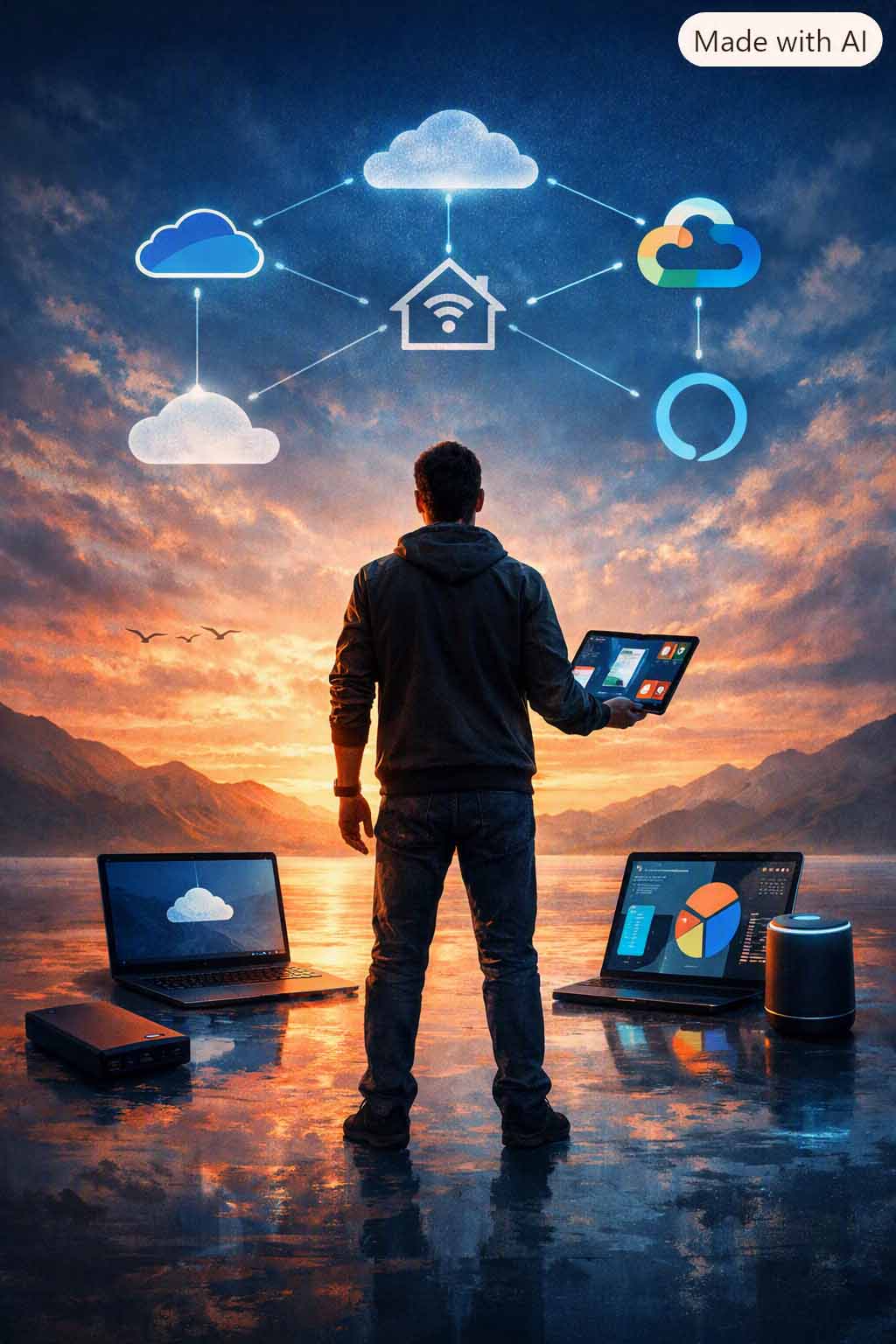
1. Cloud Independence: OneDrive + Google Cloud + Local Backup
Instead of relying on a single cloud provider, I’m distributing storage intentionally:
- OneDrive for documents, collaboration, and Microsoft ecosystem work.
- Google Cloud for media, shared storage, and cross-platform access.
- Local backups for long-term resilience and independence from subscription ecosystems.
Redundancy is freedom.
When your data lives in multiple places — including your own hardware — you’re no longer beholden to any single company’s rules.
2. Smart Home Without Walls: Alexa + Homebridge
Apple’s HomeKit is polished, but limited. My new setup blends:
- Alexa for broad device compatibility and voice automation.
- Homebridge for bridging non-HomeKit devices and custom integrations.
- Local automations that don’t depend on a single vendor’s cloud.
This creates a smart home that’s more capable, more customizable, and less dependent on Apple’s approval.
3. Cross-Platform Apps Over Proprietary Ones
I’m intentionally choosing apps that work everywhere:
- Notion, Obsidian, Evernote for notes.
- Signal, WhatsApp, Telegram instead of iMessage lock-in.
- Spotify and YouTube Music instead of Apple Music.
- Microsoft 365 instead of Apple’s productivity suite.
The goal is simple: no app should force me to stay on a specific device.
What I Gained by Leaving Apple
Freedom to choose hardware
Foldables, gaming phones, ultralight laptops, Linux machines — all viable now.
Transparent storage and backup
I know where my data lives, how it’s backed up, and how to move it.
Automation without limits
Homebridge and Alexa let me build the smart home I actually want.
Reduced ecosystem anxiety
No more “will this work with my iPhone?” — everything works everywhere.
What I Didn’t Lose
Leaving Apple didn’t mean losing polish or convenience. Modern cross-platform tools are just as refined — sometimes more so. And the Fold8 delivers a level of hardware innovation Apple hasn’t attempted.
The difference is that now I choose the tools, not the ecosystem.
The Philosophy: Device-Agnostic Living
This transition isn’t about Android vs. Apple. It’s about designing a digital life that’s:
- Flexible
- Portable
- Interoperable
- Resilient
- Independent
Technology should expand your options, not narrow them. After more than 10 years in Apple’s world, I’m finally building a system that reflects that belief.
Coherence is when your tools, your habits, and your identity finally align.
This shift — toward openness, toward choice, toward independence — is part of becoming a unified whole.
Structured Summary
A personal and practical essay on transitioning from Apple’s ecosystem to a flexible, device-agnostic workflow using Samsung Fold8, OneDrive, Google Cloud, local backups, Alexa, Homebridge, and cross-platform tools.
Key Insights
- Connects tech ecosystem to practical identity-aligned growth.
- Connects digital transition to practical identity-aligned growth.
- Connects device agnostic to practical identity-aligned growth.
FAQ
- What is the core idea of "How I Built a Device-Agnostic Workflow After 10+ Years in Apple’s Ecosystem"?
- A personal and practical essay on transitioning from Apple’s ecosystem to a flexible, device-agnostic workflow using Samsung Fold8, OneDrive, Google Cloud, local backups, Alexa, Homebridge, and cross-platform tools.
- Who is this post for?
- This post is written for creators, consultants, and growth-minded professionals seeking identity-aligned, practical insight.